设置评论系统
我的博客系统 Hexo 之前使用 Gitment 作为评论:《hexo添加gitment评论系统》,后来年久失修,了解了下基于 Github Discussions 的 giscus 用的比较多,我也采用该方案。
在配置 giscus 之间需要满足如下三个条件:
- 该仓库是公开的,否则访客将无法查看 discussion。
- giscus app 已安装,否则访客将无法评论和回应。
- Discussions 功能已在你的仓库中启用。
在 Github 仓库中安装 gitcus
我这里直接选择了我的 hexo 仓库 kuring/kuring.github.io 作为了 git 仓库,因为该仓库本来的用途本来就是博客相关的内容,权限也是 public 的。
接下来安装 Github app giscus,访问 https://github.com/apps/giscus,在安装时仅选择需要的 repo 就可以了,不需要所有的 repo 都放开。
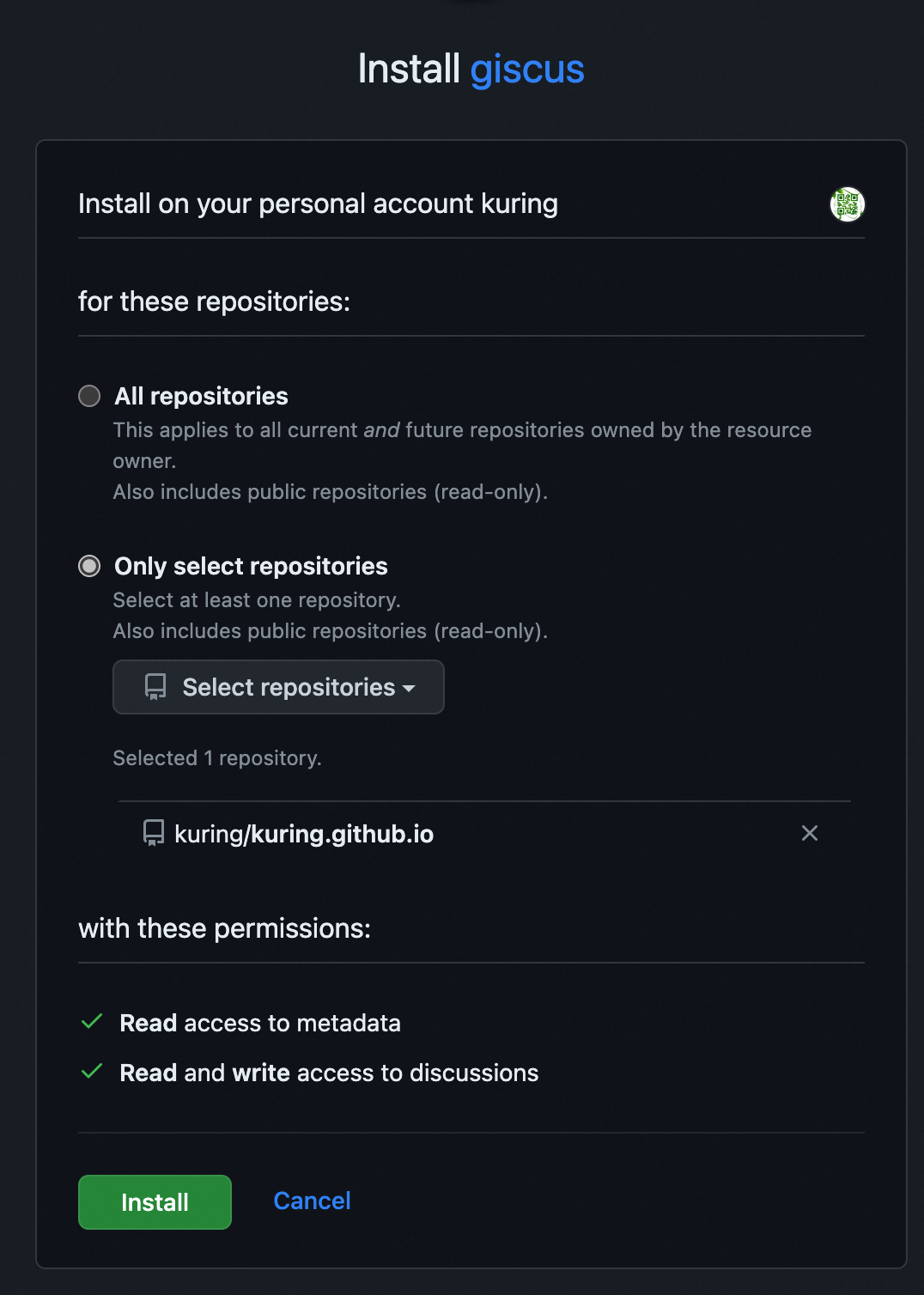
在 Github 仓库中打开 Discussions 功能
进入到 Github 项目的 Settings -> General -> Features -> Discussions 即可打开该功能。
获取到 Github 项目相关的 gitcus 配置
访问页面 https://giscus.app/zh-CN,在配置章节中设置相关的配置,可以获取到类似下面内容:
 1
 2
 3
 4
 5
 6
 7
 8
 9
10
11
12
13
14
15
16
| <script src="https://giscus.app/client.js"
data-repo="kuring/kuring.github.io"
data-repo-id="MDEwOlJlcG9zaXRvcnkyODM4MzQ0NTk="
data-category="Announcements"
data-category-id="DIC_kwDOEOr4W84CdeTU"
data-mapping="url"
data-strict="0"
data-reactions-enabled="1"
data-emit-metadata="0"
data-input-position="bottom"
data-theme="preferred_color_scheme"
data-lang="zh-CN"
data-loading="lazy"
crossorigin="anonymous"
async>
</script>
|
在 Hexo 中配置 gitcus
因为 Hexo 我使用的为 Next 主题,我使用了 Next 的插件 hexo-next-giscus。
在 Git 仓库目录下执行 npm install hexo-next-giscus 即可安装 giscus。
修改 Git 仓库下的 _config.yml 文件,在最后面增加如下的内容:
 1
 2
 3
 4
 5
 6
 7
 8
 9
10
11
12
13
14
15
16
17
18
19
20
| giscus:
enable: false
repo: # Github repository name
repo_id: # Github repository id
category: # Github discussion category
category_id: # Github discussion category id
# Available values: pathname | url | title | og:title
mapping: pathname
# Available values: 0 | 1
reactions_enabled: 1
# Available values: 0 | 1
emit_metadata: 1
# Available values: light | dark | dark_high_contrast | transparent_dark | preferred-color-scheme
theme: light
# Available values: en | zh-CN
lang: en
# Place the comment box above the comments
input_position: bottom
# Load the comments lazily
loading: lazy
|
其中很多的字段值来自上个章节获取到的 json 结果。
至此,即完成了整个 gitcus 的配置。
资料